New launch
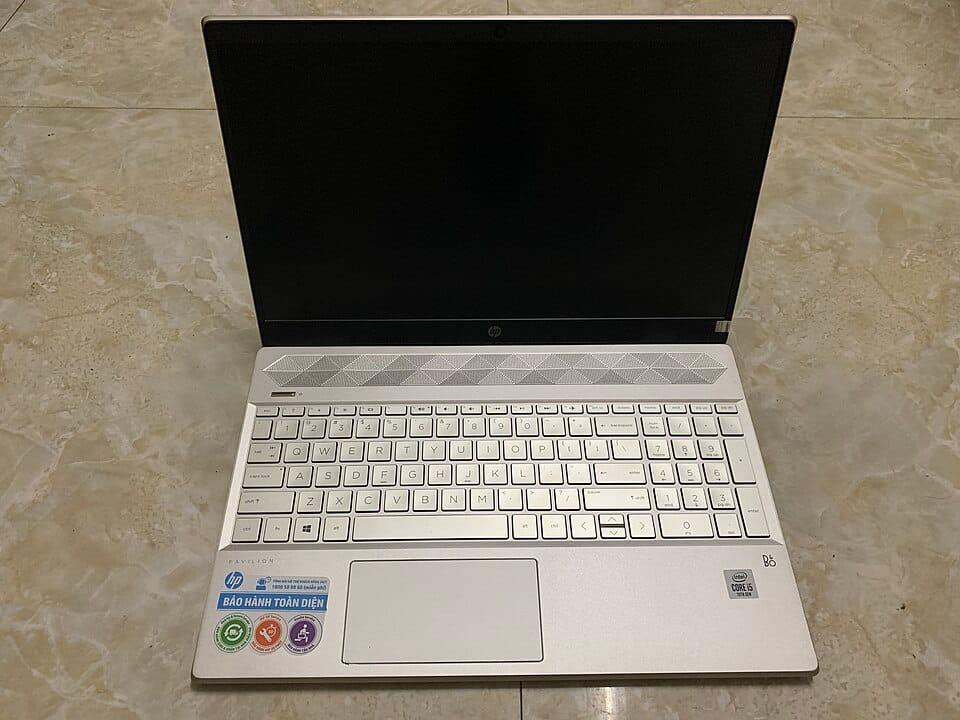
HP 15-fc0831AU Laptop (Ryzen 5 7530U, 16GB RAM, 512GB SSD)
₹1100% OFF
MRP ₹95,250
16GB RAM · 512GB SSD · 15.6"
Only 5 left
The best laptop for you is the one that matches the job. A student who takes notes and joins online classes needs something different from an editor or a gamer, and paying for more than you need is the most common mistake. Below, WINMAC's current stock is grouped by what you will do with the laptop.
Each group follows a simple rule, such as 8 GB of memory or more for students and 16 GB or more for office and professional work. The rule is written in plain words so you can judge it yourself, and every card opens the full specifications.
A student laptop should start fast, last a college day on battery and handle many tabs. Look for 8 GB of memory and an SSD at the very least. These are the lowest-priced new laptops in stock with 8 GB or more.
MRP ₹95,250
16GB RAM · 512GB SSD · 15.6"
Only 5 left
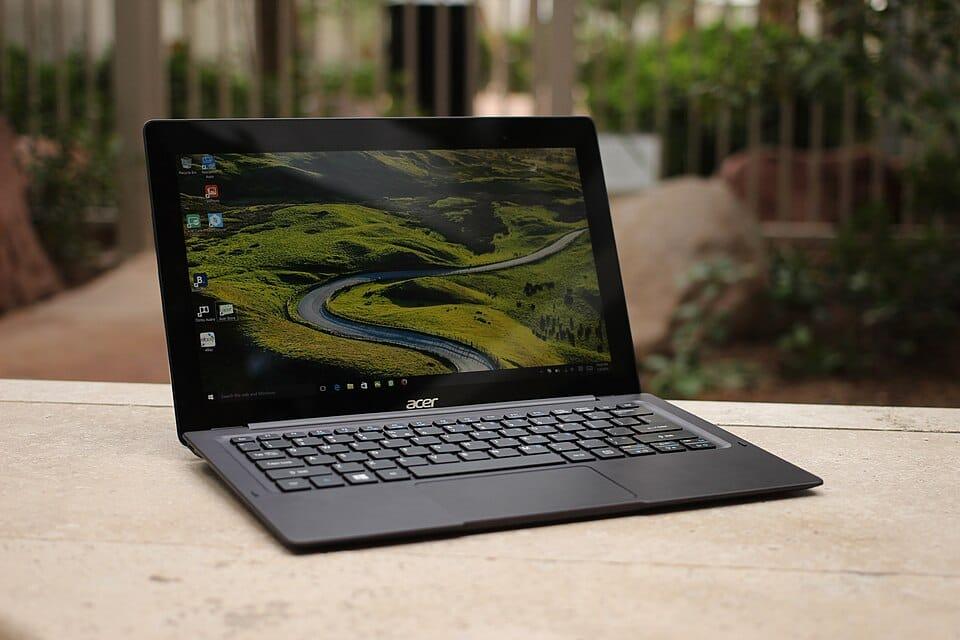
MRP ₹44,999
8GB RAM · 512GB SSD · 15.6"
In stock
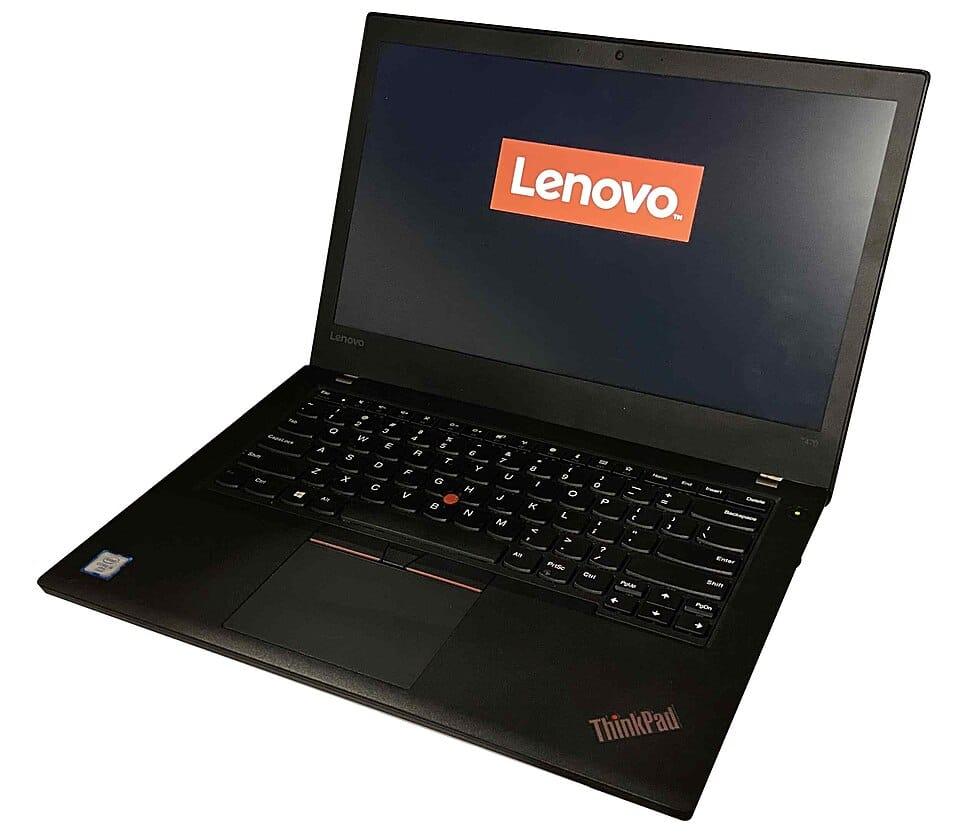
MRP ₹52,990
8GB RAM · 512GB SSD · 15.6"
Only 1 left
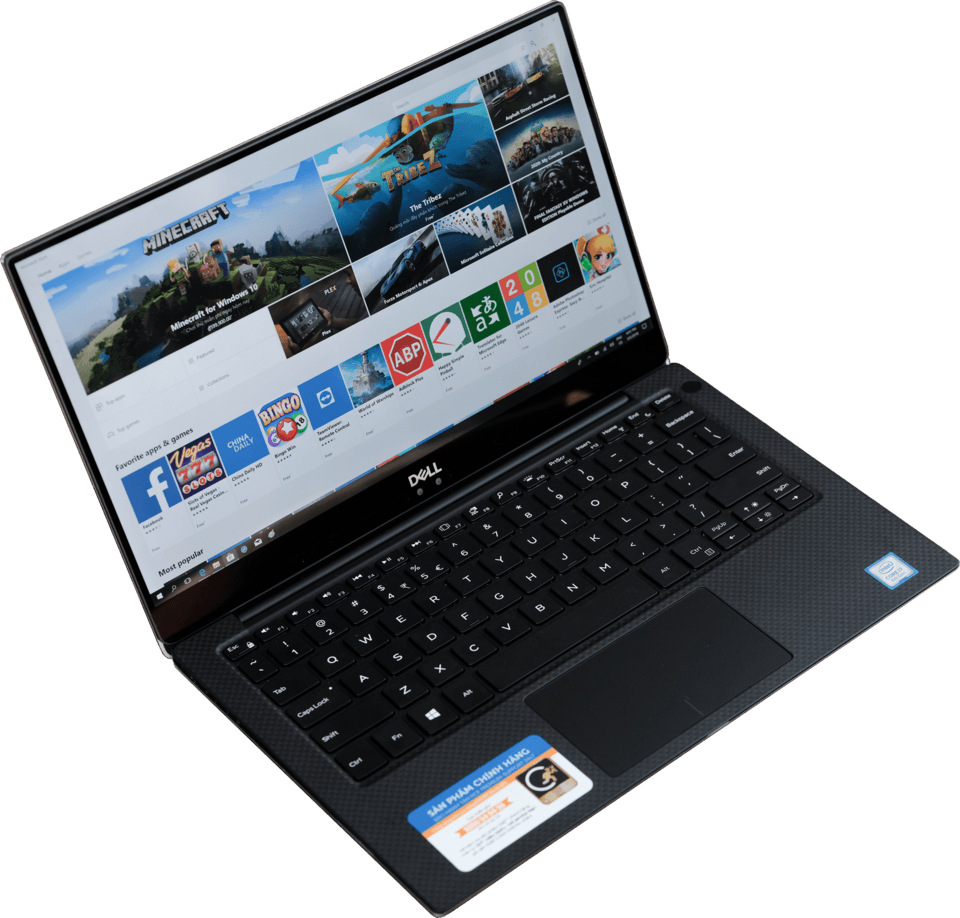
MRP ₹59,999
8GB RAM · 512GB SSD · 15.6"
In stock
Spreadsheets, many browser tabs and video calls at the same time run better with 16 GB of memory. These everyday laptops have 16 GB or more, newest first.

MRP ₹75,000
16GB RAM · 512GB SSD · 15.6"
Only 1 left
MRP ₹1,45,000
32GB RAM · 1TB SSD · 15.6"
Only 1 left
MRP ₹1,15,000
16GB RAM · 512GB SSD · 14"
Only 2 left
MRP ₹62,000
16GB RAM · 512GB SSD · 14"
Only 3 left
Games need a dedicated graphics card and a screen with a fast refresh rate. These are the newest gaming laptops in stock; open a card to read its graphics line.

MRP ₹80,999
16GB RAM · 512GB SSD · 15.6"
Only 1 left
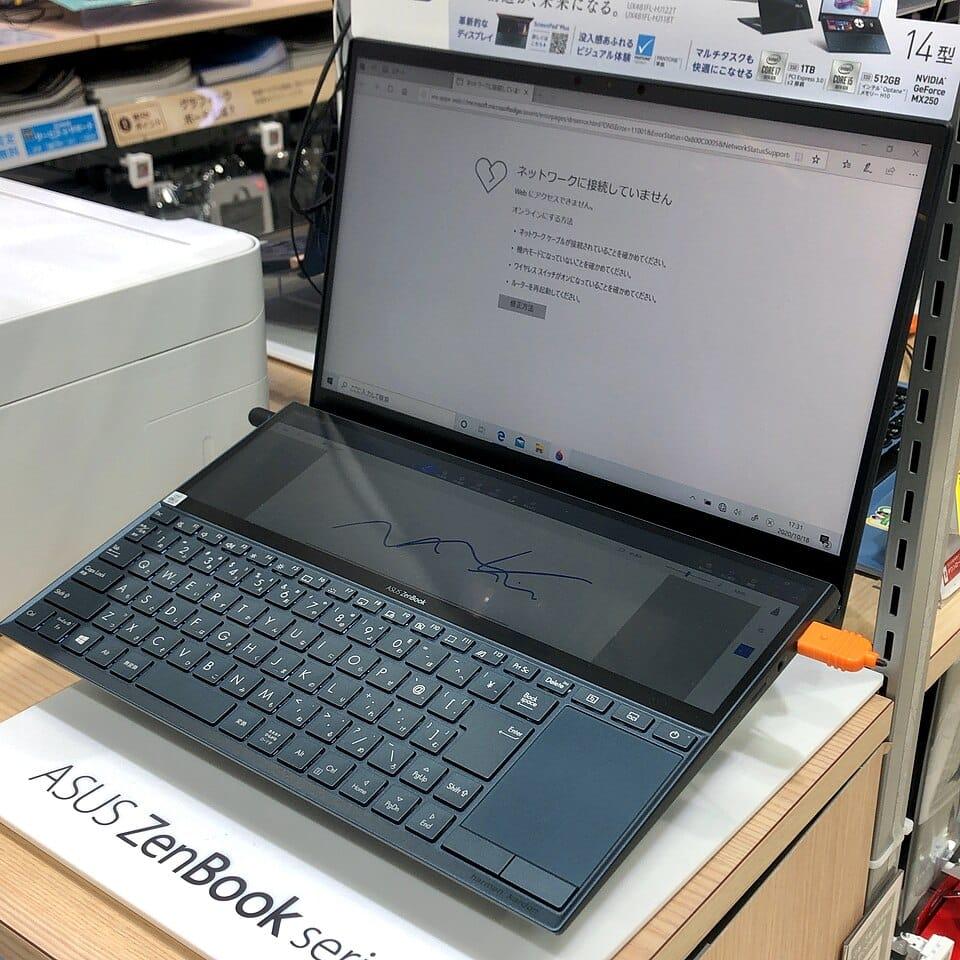
MRP ₹99,990
16GB RAM · 512GB SSD · 16"
In stock
MRP ₹2,19,990
32GB RAM · 1TB SSD · 16"
In stock
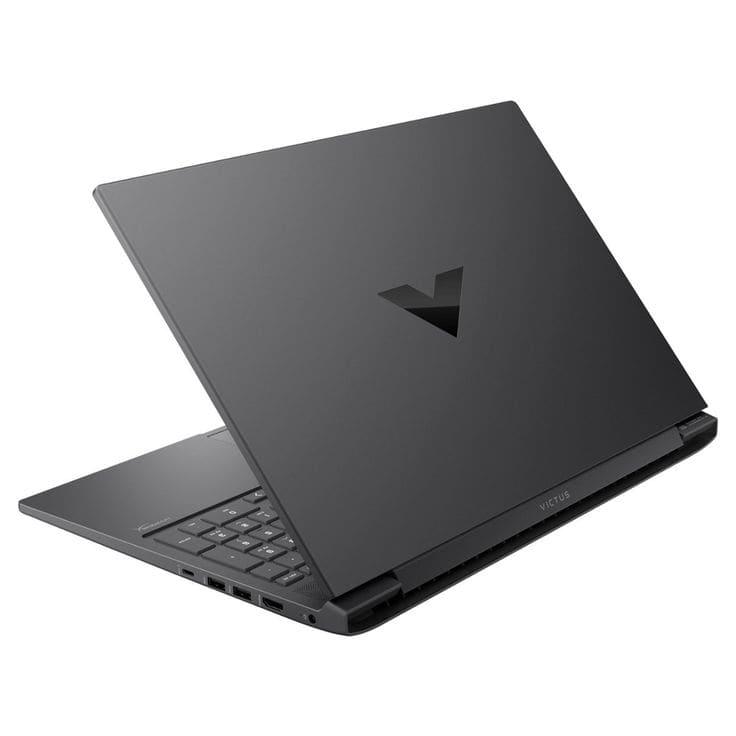
MRP ₹89,999
16GB RAM · 512GB SSD · 15.6"
In stock
MacBooks suit people who want long battery life and use Apple apps. These are the MacBooks currently in stock.
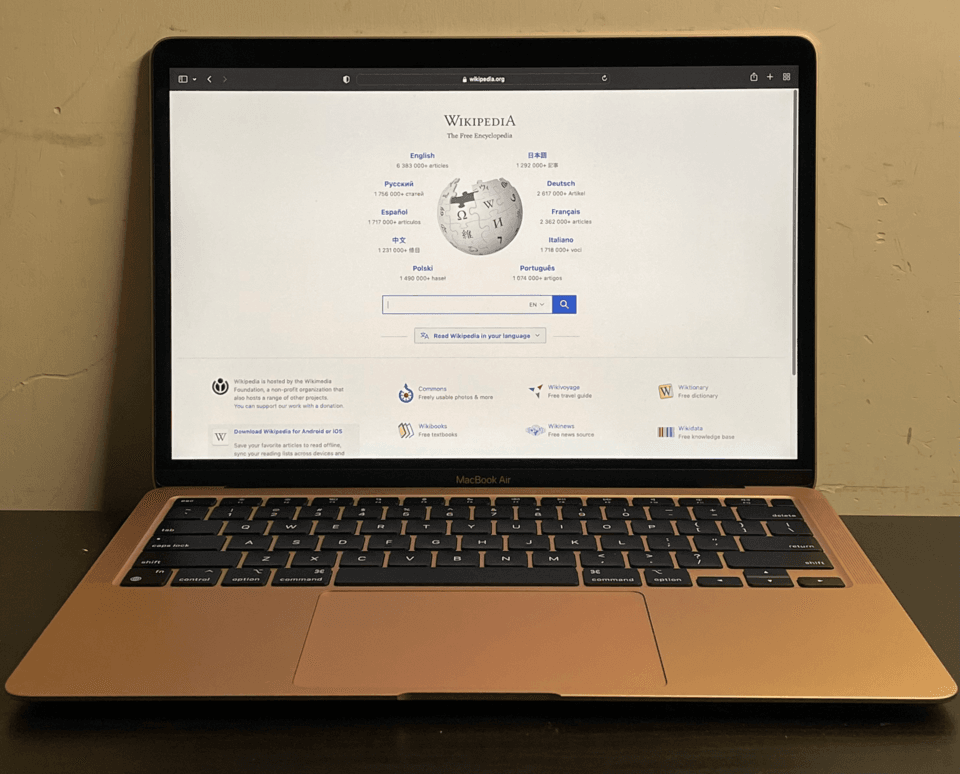
MRP ₹1,19,900
16GB RAM · 256GB SSD · 13.6"
In stock
MRP ₹1,44,900
16GB RAM · 512GB SSD · 15.3"
In stock
MRP ₹1,69,900
16GB RAM · 512GB SSD · 14.2"
In stock
Whatever the budget, check these in order:
Call or WhatsApp: 99301 99100 · Chat on WhatsApp
Aim for 8 GB for standard use and 16 GB or more for multitasking, large spreadsheets and light creative work. More memory helps most when many apps are open together.
For most buyers, yes. An SSD starts the laptop and opens apps much faster, is quieter and handles knocks better. A hard disk only wins on raw capacity for the money.
A Core i3 or Ryzen 3 handles classes, documents and browsing. A Core i5 or Ryzen 5 adds headroom for many tabs and light editing, so it is a comfortable choice if the budget allows.
Compare the processor generation, memory, storage and screen, not just the price. Use the compare tool on up to four laptops and look at the differences row by row.